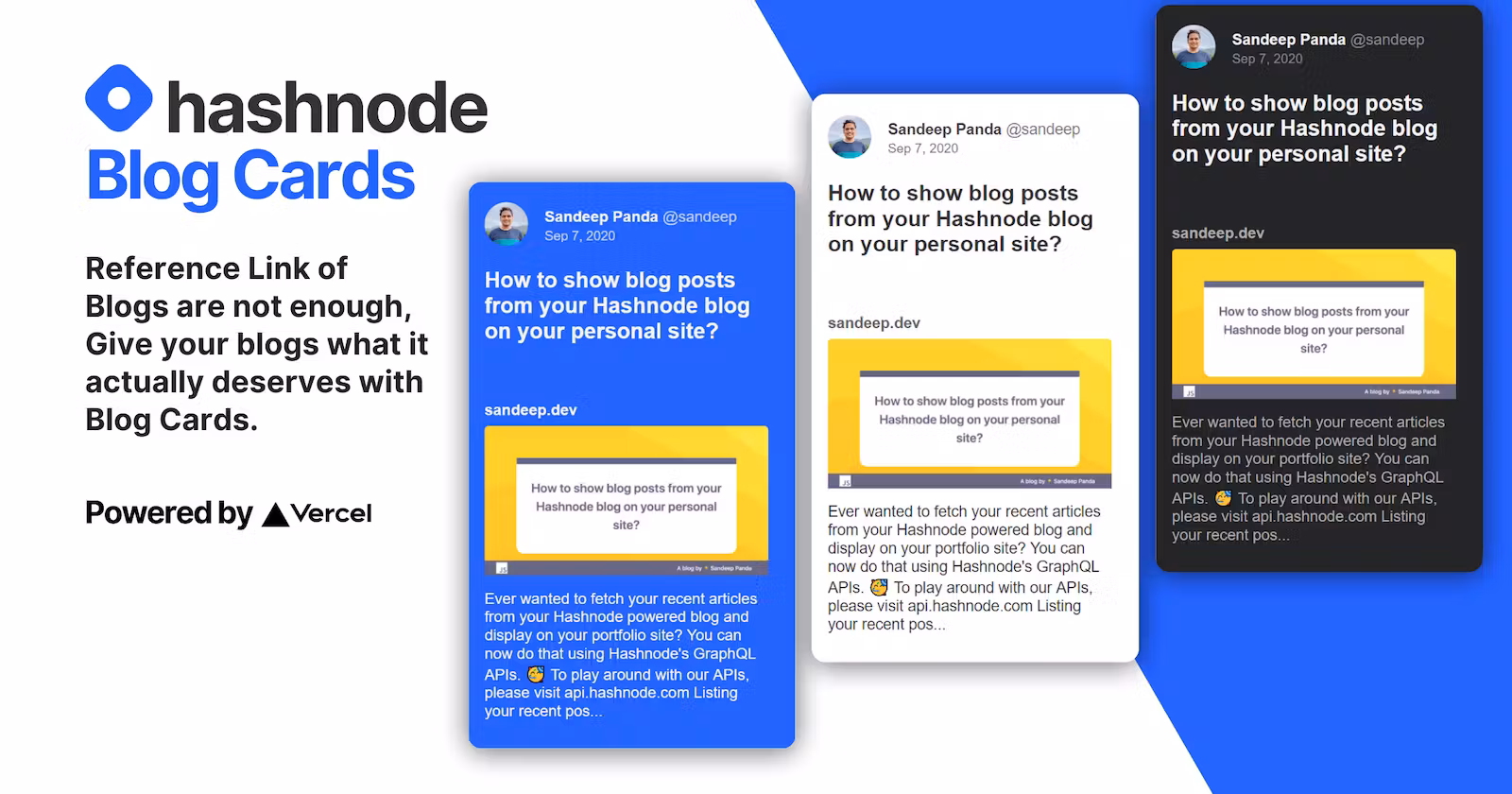
Hashnode Blog Cards 🏗️ - Rich Previews for Your Blog Links
07 Feb, 2021 • 4 min read
Turn plain blog links into beautiful, embeddable card previews. Built for Hashnode bloggers who want their content to stand out when shared.
Listen
Playback speed
⚡ The Hashnode Blog Cards is a set of
GET requests which will fetch the Blogs from your Hashnode ids with few parameters and will create SVG cards to bring 😎 awesomeness to your blog links. 🎉Website link https://hashnode-blog-cards.vercel.app
It can be added anywhere in Github, Hashnode, Devpost, Postman Documentation, or any markdown editor. It can also be added to any website with HTML syntax with just the
img tagNow you can add your Hashnode blogs to your GitHub profile in
.md,.mdx,.html,.jsx, and many more files to show your latest blogs or to your Repositories or even to any website.It is simple to use and the APIs can be explored with the
Hashnode Blog Cards API Playground.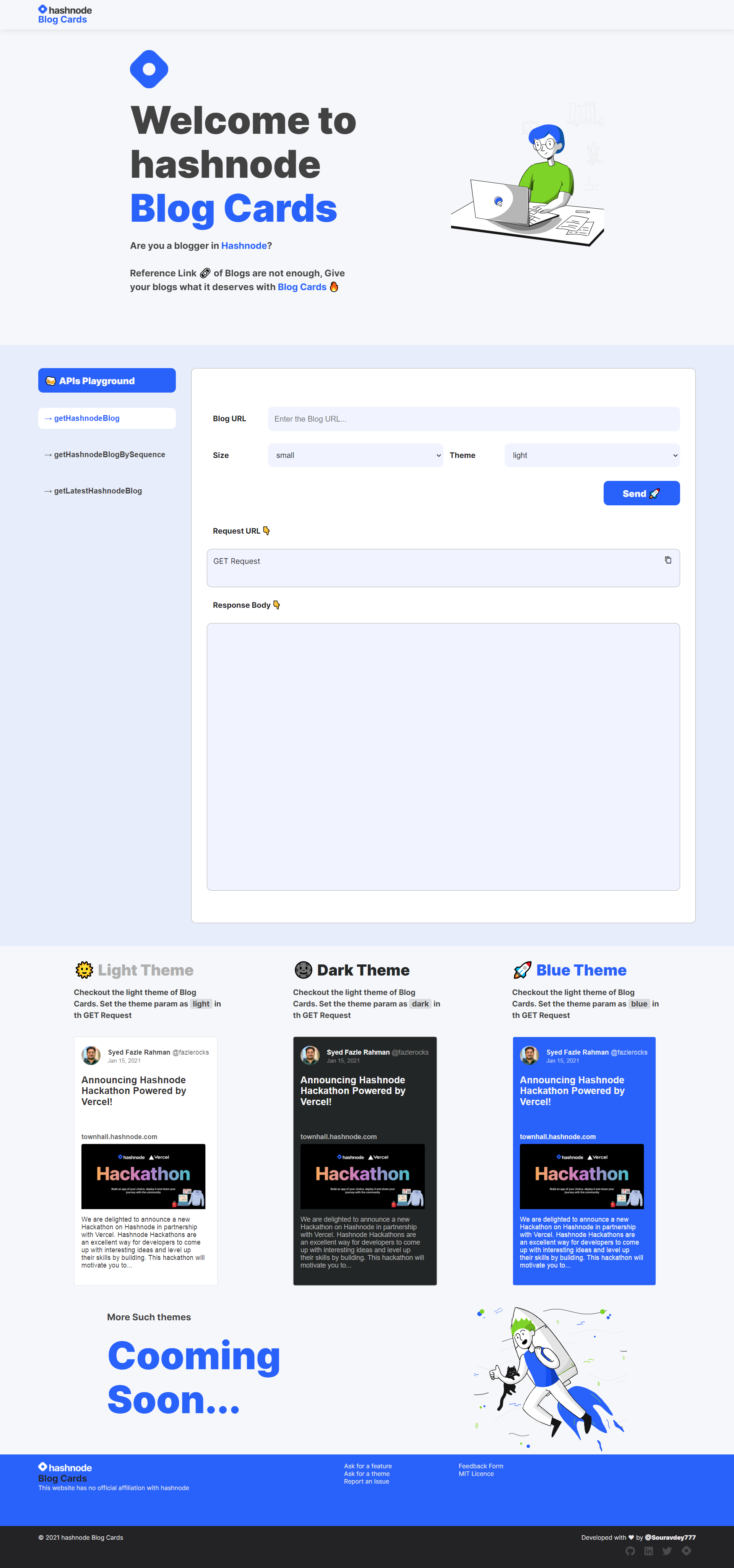
How to use it?
getHashnodeBlog
This API endpoint will fetch a specific blog by its URL
url
https://hashnode-blog-cards.vercel.app/api/getHashnodeBlog?url=https://souravdey777.hashnode.dev/flexbox-guide-flexbox-layout-made-simple-with-an-interactive-tool&large=true&theme=lightResponse
List of parameters
url= The URL of the specific blog
This is a mandatory parameter
eg.
https://souravdey777.hashnode.dev/flexbox-guide-flexbox-layout-made-simple-with-an-interactive-tooltheme= The theme of the Card.
This is not a mandatory parameter and the default value is
light.
Other values are possible values are dark or bluelarge= The size of the Card.
This is not a mandatory parameter and the default value is
false. And when set to true gives a larger Card.getHashnodeBlogBySequence
This API endpoint will fetch a specific blog by the Hashnode username of the author and the serial no of the blog starting from 1 being the latest.
url
https://hashnode-blog-cards.vercel.app/api/getHashnodeBlogBySequence?username=Souravdey777&sequence=1&large=true&theme=lightResponse
List of parameters
username= The Hashnode username of the blogger.
This is a mandatory parameter.
eg.
souravdey777 this is my Hashnode username.sequence= The serial no of the blog starting from 1 being the latest. Because of this parameter, the blogs will be changing when you add them to your website or Github profile whenever you add a new blog.
This is a mandatory parameter.
eg.
souravdey777 this is my Hashnode username.theme= The theme of the Card.
This is not a mandatory parameter and the default value is
light.
Other values are possible values are dark or bluelarge= The size of the Card.
This is not a mandatory parameter and the default value is
false. And when set to true gives a larger Card.getLatestHashnodeBlog
This API endpoint will fetch a set of the latest blogs by the Hashnode username of the author and the limit up to which the blogs are needed
url
https://hashnode-blog-cards.vercel.app/api/getLatestHashnodeBlog?username=Souravdey777&limit=3&large=true&theme=lightResponse
List of parameters
username= The Hashnode username of the blogger.
This is a mandatory parameter.
eg.
souravdey777 this is my Hashnode username.limit= The no of the blog starting from the latest to the limit defined or all blogs you have if the no. of blogs you have is less than the limit defined.
It is not a mandatory parameter and the default value is
3. The maximum possible value is 6.eg.
souravdey777 this is my Hashnode username.theme= The theme of the Card.
This is not a mandatory parameter and the default value is
light.
Other values are possible values are dark or bluelarge= The size of the Card.
This is not a mandatory parameter and the default value is
false. And when set to true gives a larger Card.Themes
For theme=light
For theme=dark
For theme=blue
Sizes
For large=true
For large=false
For 'img' tag custom size is defined with width and height attributes.
Embedding
Markdown Syntax
md
[](BLOG_URL)HTML
html
<a href="BLOG_URL">
  <img
  src="https://hashnode-blog-cards.vercel.app/api/getHashnodeBlog?url="https://hashnode-blog-cards.vercel.app/api/API_ENDPOINT?PARAMS"
  alt="Sourav Dey's Hashnode Blog Cards" />
</a>
My Journey with the Hashnode Blog Cards
I designed and created mockups for the cards first.
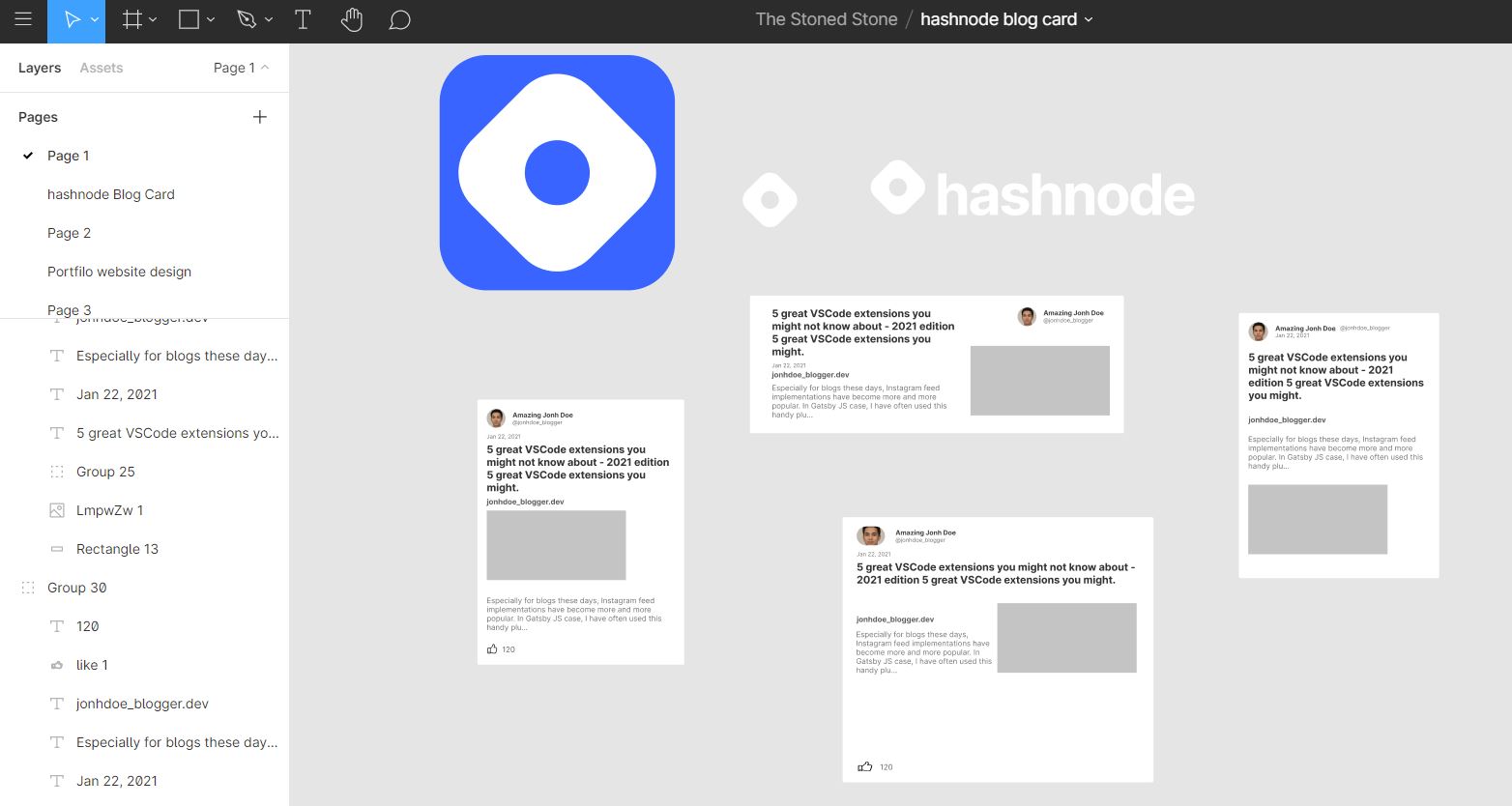
Exported the final SVG from
figma.Gone through the documentation of
Nextjs.Checked out the hashnode APIs with https://api.hashnode.com/ and @Sandeep Panda's blog
Created APIs to fetch the data from Hashnode APIs and made the SVG content dynamic.
This is how the APIs were created after that I deployed them in Vercel by importing the git repo.
Next, It was the API Playground website.
Edited Lottie Animation as per the color codes.
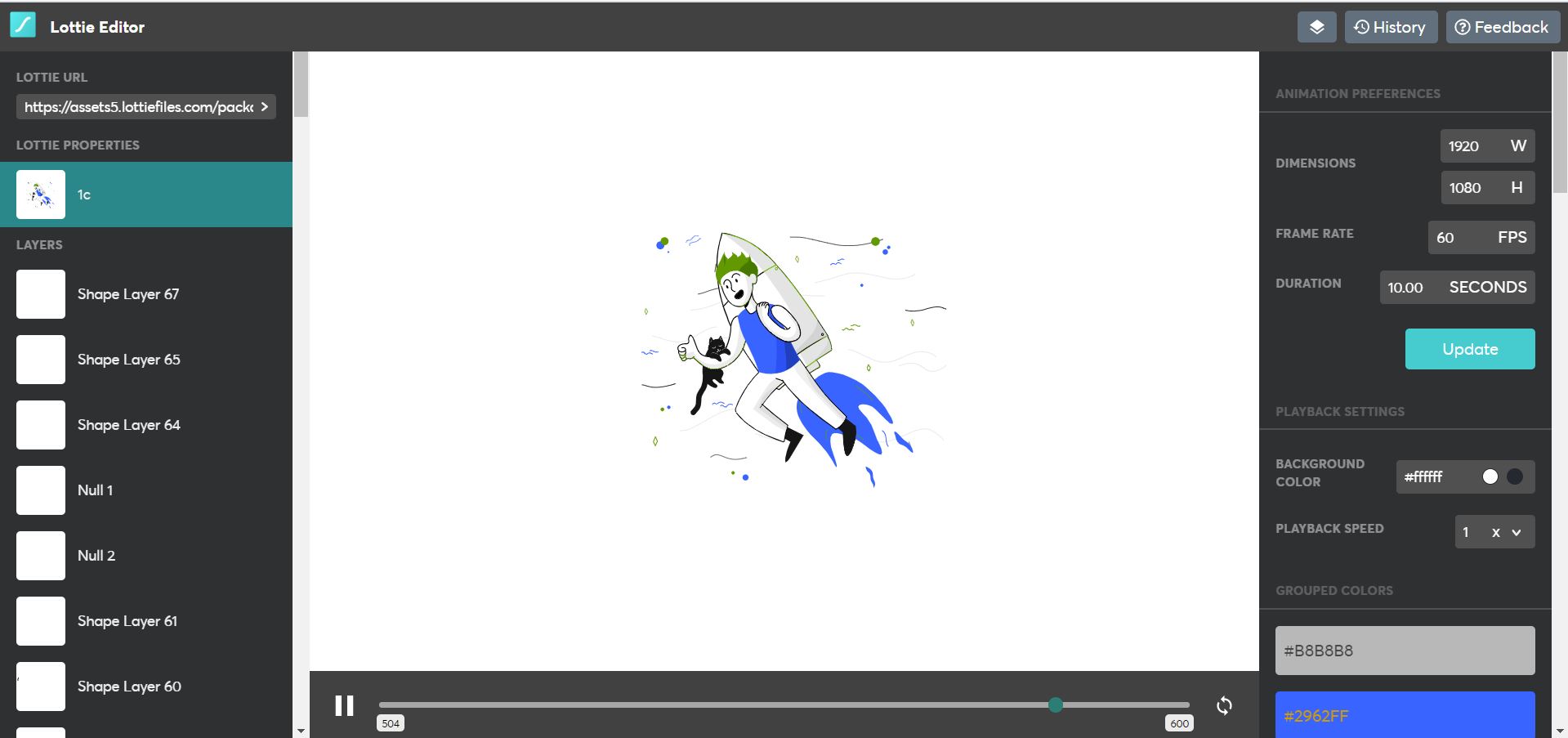
Then, it was all
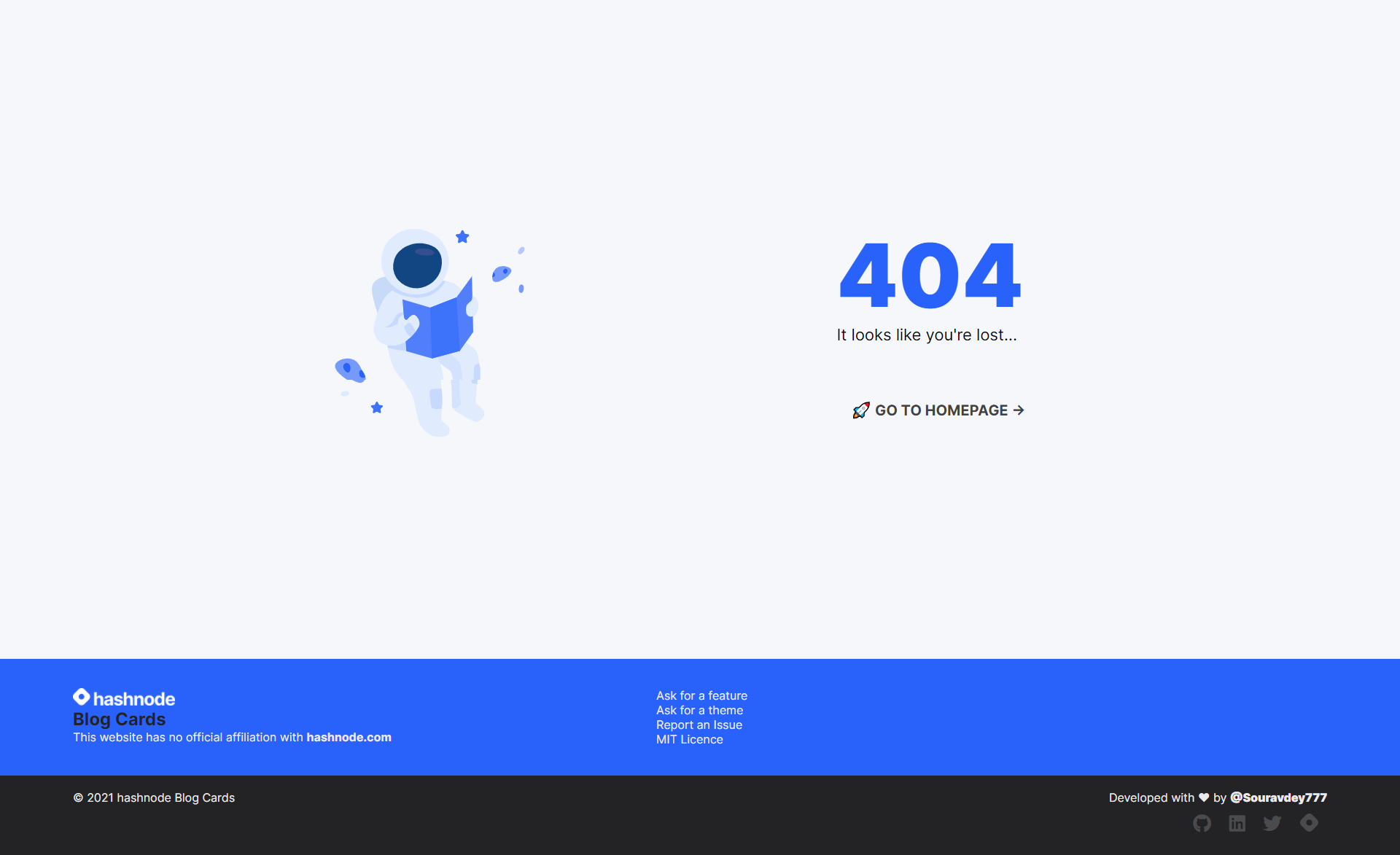
Reactjs.And Yes It also has an error page for wrong links. 😉
Learnings
-
I have been using React for the last 2 years. And honestly, I was only using
CRAbut this is the first time I usedNextjsand because of that the deployment inVercelwas super smooth. -
Lottiefiles. I used it for the first time and I loved it. I edited the animations with the Lottie design Editor and the assets on the website are from pixeltrue. -
We often don't do proper
code lintingon our side projects. But This time I can proudly say I did it properly. Referred to this blog ESlint and Prettier for React apps
Dependencies
json
  "dependencies": {
    "axios": "^0.21.1",
    "next": "10.0.5",
    "prop-types": "^15.7.2",
    "react": "17.0.1",
    "react-dom": "17.0.1",
    "react-lottie": "^1.2.3"
  },
  "devDependencies": {
    "eslint": "^7.19.0",
    "eslint-config-prettier": "^7.2.0",
    "eslint-plugin-jsx-a11y": "^6.4.1",
    "eslint-plugin-prettier": "^3.3.1",
    "eslint-plugin-react": "^7.22.0",
    "eslint-plugin-react-hooks": "^4.2.0",
    "eslint-plugin-simple-import-sort": "^7.0.0",
    "prettier": "^2.2.1"
  }
What is next for the Hashnode blog Cards
I have to enhance a few things that I already have in mind.
- PWA of the website
- Markdown and HTML syntax generator or API
- Horizontal Cards.
- more themes
This API is for the Hashnode community so Please tell me what you all will prefer next in this.
Special thanks to @Sandeep Panda for the explanatory blog on Hashnode APIs. Click the card below and check out the blog.
License
📝 Distributed under the
MIT License. See LICENSE for more information.Contribution and Support
👨🚀 Contributions are what make the open-source community such an amazing place to learn, inspire, and create. Any contributions you make are greatly appreciated.
Hope you Loved it! Do let me know in the comments.
Contact me
Related reads
LeetCode #509: Fibonacci Number🗓️ Daily LeetCode Challenge: solving LeetCode 509, Fibonacci Number, with multiple approaches, from plain recursion to dynamic programming.2 min readLeetCode #128: Longest Consecutive Sequence🗓️ Daily LeetCode Challenge: solving LeetCode 128 by finding the longest consecutive sequence in an unsorted array in linear time with a hash set.1 min readLeetCode #135: Candy🗓️ Daily LeetCode Challenge: solving LeetCode 135, Candy, by distributing the minimum number of candies to children based on their ratings.2 min readLeetCode #376: Wiggle Subsequence🗓️ Daily LeetCode Challenge: solving LeetCode 376, Wiggle Subsequence, using dynamic programming and greedy techniques, with a full code walkthrough.2 min read